
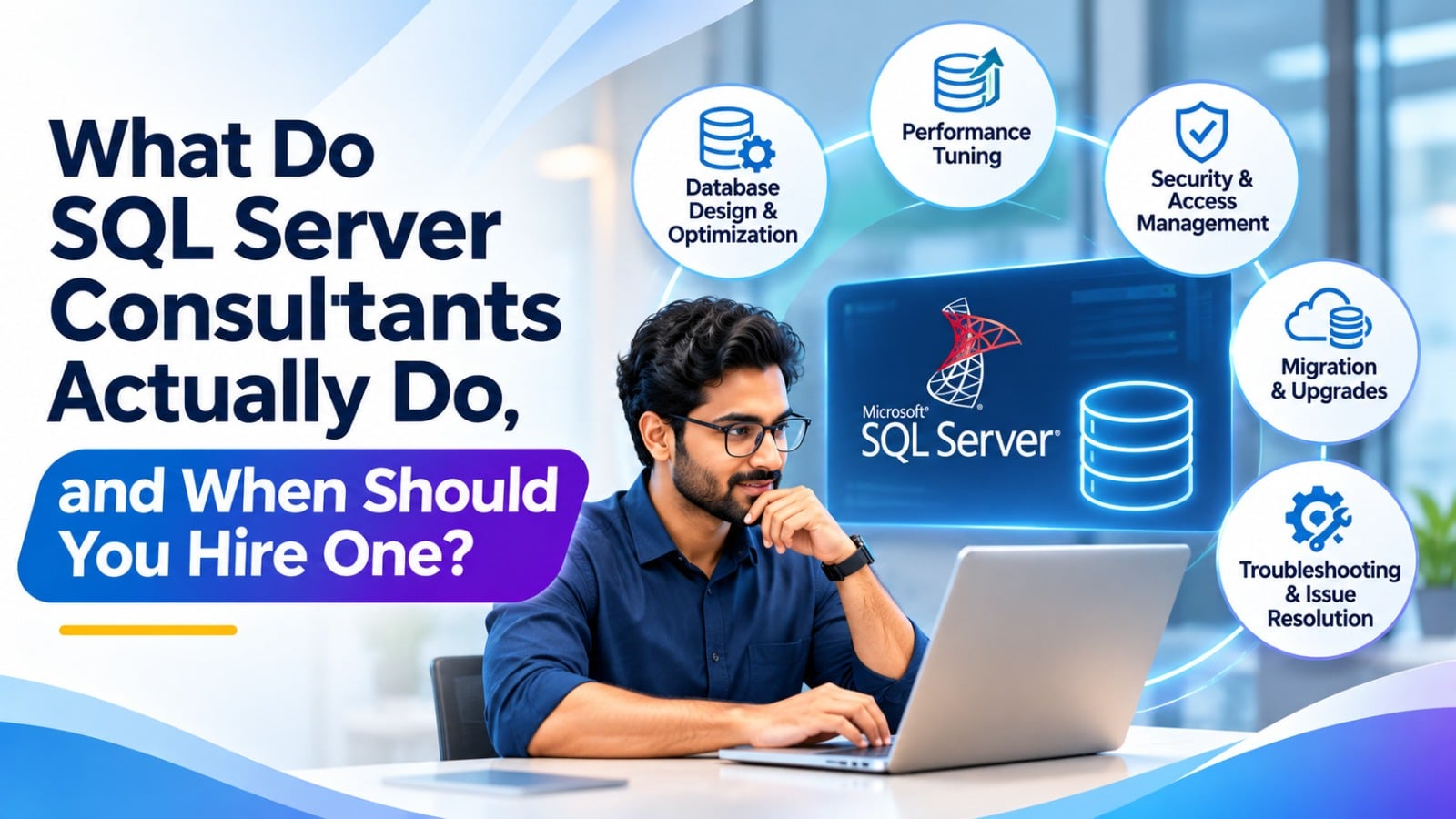
Every growing business eventually reaches a moment when its data platform starts to feel fragile. Reports crawl, backups worry the team, and nobody is quite sure why a query that worked last year now takes minutes. That is usually when leaders start asking what SQL Server consultants really do and whether the cost is justified. The short answer is that they bring focused knowledge, proven methods, and an outside view that busy internal teams rarely have time to build.
This guide explains the real work behind the title, the situations that call for outside help, and the signs that you are ready to hire. You will also learn how to judge candidates, what results to expect, and how to keep the knowledge inside your company once the project ends. By the end, you will know exactly when it makes sense to bring in help and when you can safely handle things yourself.
What Does a SQL Server Expert Actually Do Day to Day?
Job titles can be vague, so it helps to look at the actual work. A SQL Server expert spends time reviewing how your databases behave, finding hidden risks, and turning findings into clear action. Some engagements last a few days, while others become long term partnerships. The common thread is that the specialist focuses on outcomes such as speed, stability, safety, and cost control rather than just keeping servers online.
Health Checks and Assessments
Most projects begin with a thorough health check. The specialist examines server configuration, memory settings, storage layout, index usage, wait statistics, job schedules, and error logs. The result is a prioritized report that separates urgent problems from nice-to-have improvements. Providers such as Software Solutions typically present these findings in plain language, so managers and technical staff can agree on what to fix first and why.
Security, Compliance, and Access Control
Security is another core responsibility. Consultants review logins, roles, and permissions, check for excessive access, and make sure sensitive columns are protected with encryption or masking. They also help organizations prepare for audits under rules such as GDPR by documenting controls and enabling auditing features. Fixing these gaps before an incident is far cheaper than responding after one.
Backup, Recovery, and High Availability
Backups only matter if they can be restored. Specialists test restore procedures, define recovery time and recovery point targets, and design failover options such as Always On availability groups or log shipping. They also set up monitoring and alerts so the team hears about disk space, failed jobs, and blocked processes before users do. This work turns a database from a quiet risk into a dependable service.
Monitoring, Maintenance, and Training
Routine care keeps small issues from becoming outages. Specialists schedule index maintenance, integrity checks, statistics updates, and patching in a way that respects business hours. They also train internal staff, write runbooks, and leave behind documentation so knowledge does not walk out the door when people change roles. Over time, this steady care reduces emergencies and frees your team for more valuable work.
Emergency Troubleshooting
When a server crashes or a critical job fails at midnight, speed matters. Specialists diagnose the root cause, restore service, and then document what happened so the same event does not repeat. Having a trusted contact on call turns a stressful scramble into a calm, structured response.
When Should You Hire a Database Consultant?
Timing matters. Hiring too late means paying for emergencies, while hiring too early may waste budget on problems that do not exist yet. A trusted database consultant is most valuable at clear decision points, such as growth, change, or risk. Watch for the signals below and treat each one as a prompt to get an outside opinion.
Signs It Is Time to Get Help
Consider reaching out when you notice any of these situations:
- Reports and screens that used to load quickly now take far longer.
- Your only database administrator is leaving, overloaded, or does not exist.
- You plan an upgrade, a cloud move, or a migration from older systems.
- Outages, deadlocks, or data errors keep returning without a clear cause.
- Auditors or customers are asking questions about security and recovery.
- Licensing costs keep rising and nobody can explain why.
Project Work Versus Ongoing Support
Some needs are short and specific, such as a one time audit or an upgrade. Others call for ongoing managed support, where a specialist watches your environment each month and handles routine care. A small company without a full time administrator often benefits from a retainer, while a larger team may only need expert help for peak projects. Be honest about your internal capacity before choosing a model.
What It Costs and What You Get
Costs vary by scope, region, and seniority, so ask for a clear proposal with deliverables, timelines, and rates. Fixed price audits suit short needs, while hourly or monthly models fit evolving work. Compare cost against the price of downtime, lost sales, wasted licenses, and staff frustration. In most cases, a single avoided outage or a trimmed licensing bill covers a large share of the engagement, making the investment easy to justify.
How to Choose the Right Partner
Look for proven experience with your SQL Server version, clear references, and a willingness to explain trade-offs in simple terms. Ask how they document work, how they handle access to production data, and how they transfer knowledge to your staff. A good partner will also tell you when a problem does not need outside help, which is a strong sign of integrity.
Common Mistakes When Hiring
Avoid choosing solely on the lowest rate, because shallow work often creates costly rework. Do not hand over full administrator rights without a defined scope and approval process. Skip vague proposals that promise everything but measure nothing. Finally, never treat the project as a black box; involve your own team from the first day so they understand each change and can maintain it afterward.
How Performance Tuning Turns Slow Systems into Fast Ones
Slow systems frustrate staff, hurt customers, and quietly waste money on oversized hardware. Effective performance tuning replaces guesswork with measurement. Specialists capture real workloads, identify the biggest bottlenecks, and fix them in order of impact, which often delivers dramatic gains without buying a single new server.
Finding the Real Bottleneck
Many teams assume they need more memory or faster disks, yet the cause is often elsewhere. Using tools such as Query Store, execution plans, and wait statistics, a specialist pinpoints the exact queries and resources that slow everything down. One badly written report can consume more capacity than a hundred normal requests, and finding it takes skill rather than hardware.
Indexes, Queries, and Configuration
Typical fixes include adding or removing indexes, rewriting inefficient queries, updating statistics, and adjusting settings such as parallelism and tempdb. Each change is tested and measured so that improvements are proven, not assumed. Teams working with Software Solutions usually receive before and after metrics, which makes the value of the work easy to explain to leadership.
Cost Savings Beyond Speed
Better efficiency affects the budget directly. Faster queries mean fewer cores to license, smaller cloud instances, and less time spent firefighting. Many organizations discover they can postpone hardware upgrades for years or reduce monthly cloud bills after careful optimization. These savings often exceed the fee paid for the work itself.
Keeping Speed Over Time
Fast today does not mean fast forever. Data grows, usage patterns change, and new code arrives every sprint. Regular reviews, automated monitoring, and agreed performance baselines help you catch regressions early and keep response times steady as the business expands.
Why Strong Database Design Prevents Costly Problems Later
Many chronic issues trace back to how a system was first built. Thoughtful database design defines tables, keys, relationships, and data types so that information stays accurate, searchable, and easy to extend. Fixing a weak structure after years of growth is possible, but it costs far more than doing it correctly at the start.
Modeling Data Around the Business
A specialist begins by learning how your organization actually works. They interview stakeholders, map processes, and translate them into a logical model that reflects real rules. Normalization removes duplication, while selective denormalization supports reporting needs. The outcome is a structure that matches the business and adapts when requirements change.
Migrations, Upgrades, and Cloud Moves
Change projects carry some of the highest risk in any data environment. Consultants plan migrations from older platforms or from Microsoft Access, upgrades to newer SQL Server versions, and moves to Azure or hybrid setups. They map dependencies, rehearse cutovers, validate results, and prepare rollback options so that business operations continue smoothly throughout the transition.
Integration and Reporting Foundations
Modern companies connect databases to applications, analytics tools, and external partners. A sound structure, supported by well designed integration jobs and clean reporting layers, ensures that dashboards show the same numbers everywhere. This consistency builds trust in data and speeds up decision making across departments.
Documentation and Governance
Good structure also needs rules around it. Specialists set naming standards, change control practices, and data ownership guidelines so that future developers follow the same approach. Clear documentation lowers onboarding time, prevents accidental damage, and keeps the system healthy as teams change.
Conclusion: Get the Right Help at the Right Time
SQL Server consultants do far more than fix broken servers. They assess health, protect data, tune workloads, shape structures, guide migrations, and teach your team to keep improvements in place. The best time to involve them is when growth, change, or risk outpaces the knowledge you have in house, not after a crisis forces your hand. Use the warning signs in this guide, define a clear scope, and choose a partner who explains decisions plainly and measures results. Even a short engagement can reveal savings and risks that remain invisible from the inside.
If you are ready for practical, results focused guidance, Software Solutions can review your environment, recommend priorities, and support you from the first assessment to long term care.
Frequently Asked Questions
How much does it cost to hire a SQL Server specialist?
Rates vary by region and seniority, and fixed price audits often cost far less than one outage.
How do I know if my database needs outside help?
Persistent slowness, repeated outages, upcoming migrations, and audit pressure are the clearest warning signs.
Is a full time administrator better than outside support?
Large estates may need both, but smaller firms usually save money with part time expert help.
How long does a typical engagement last?
Audits take days to weeks, while migrations and ongoing support can run for months.
Can a specialist work remotely with my team?
Yes, secure remote access, clear approvals, and regular check-ins make remote delivery work well.